Take your management system from theory to practice with Microsoft 365
The management system is an invaluable tool for concretizing processes and ensuring the quality of operations. Unfortunately, it is all too often an untapped resource. By building a customized management system using various functions in Microsoft 365, you can go from theory to practice. And get a living management system that is actually used.
Book a free demo of a management system
Do you have a living management system?
Do you currently have a management system that describes how you manage your business? If so, you probably wish it had been used to a greater extent. Partly because you want to ensure that your business follows the procedures you have established. Our view is that companies are generally very good at documenting their flows and processes as part of their quality work. But not so good at going from theory to practice.
Too many management systems fall into oblivion
One reason why we see so many unused management systems is that they are designed to be "must haves". But not to guide employees through business processes. All too often the management system consists of a more or less static process map. It describes the flows in the organization and what should happen in different process steps. At best, it links to documents or websites with more information. However, there is often no natural link to the users' workflow.
A prerequisite for a management system to be used in practice is that it exists where the work is done. For many companies, that place is Microsoft 365.
Build a management system in Microsoft 365
By building a management system based on the different features of Microsoft 365, you can get a system that takes the user where they need to be to perform a specific process or sub-process. Instead of sitting with a static document in hand, the user can go into Teams. There, the user can search for the right channel and click through the flow. Since checklists, apps and documents can be integrated into the flow, the user has access to everything they need in one place, via their digital workplace.
The fact that the user can be guided through the entire process provides an incentive to actually use the management system. For process owners, this means more opportunities to create flowcharts and update their processes. If a new checklist is to be used by everyone in the organization, the process owner can easily update the current process. Instead of sending out an email that most people have forgotten when they need the information.
Building the system is the easy part
A major advantage of basing your management system on the Microsoft 365 platform is that you can have the system customized for your organization and your processes. The fact that the system is tailored to the business benefits not least the end user who experiences better usability. But also provides a clearer connection to their work tasks.
A typical management system built in Microsoft 365 can use Microsoft Visio for the process flow. Use Power Apps to retrieve/present data in a user-friendly interface. Then use Power Automate to automate various process movements. But the technology and the work of building the system is often the easiest part. Most of the work is about mapping processes and concretizing the needs in workshop form. That is, many companies already have well-documented processes and for them it is rather a matter of switching to a better tool to get the user support they want.
Seeing the management system as a continuous effort
When we at Upheads help a customer build a management system in Microsoft 365, we use an agile working method. Which in turn is based on developing a few percent at a time with regular reviews. In the course of the work, the customer often discovers new processes that are not documented, and how they can use the platform to support these. This also gives an insight into what it is like to continue working with the platform after our work is finished. A management system should not be something that is updated every two years just because documentation should be available - it should be a natural part of the business and how you work.
Want to know more about what you stand to gain from building a management system in Microsoft 365 and what it could mean for your business? Contact us and we will help you!
[ Book a free demo of our management system and see how it can simplify your everyday life]
Get in touch and let's book a meeting!
Tired of filling in forms?
You can also call 040-626 75 00, Monday-Friday 08-17, or send an e-mail to kontakt@upheads.se.
Inspiration and knowledge straight to your inbox
Sign up for our monthly inspirational newsletter that gives you tips, insights and advice on new ways of working, processes and security related to Microsoft 365, Azure and various tools in Microsoft's cloud platform.
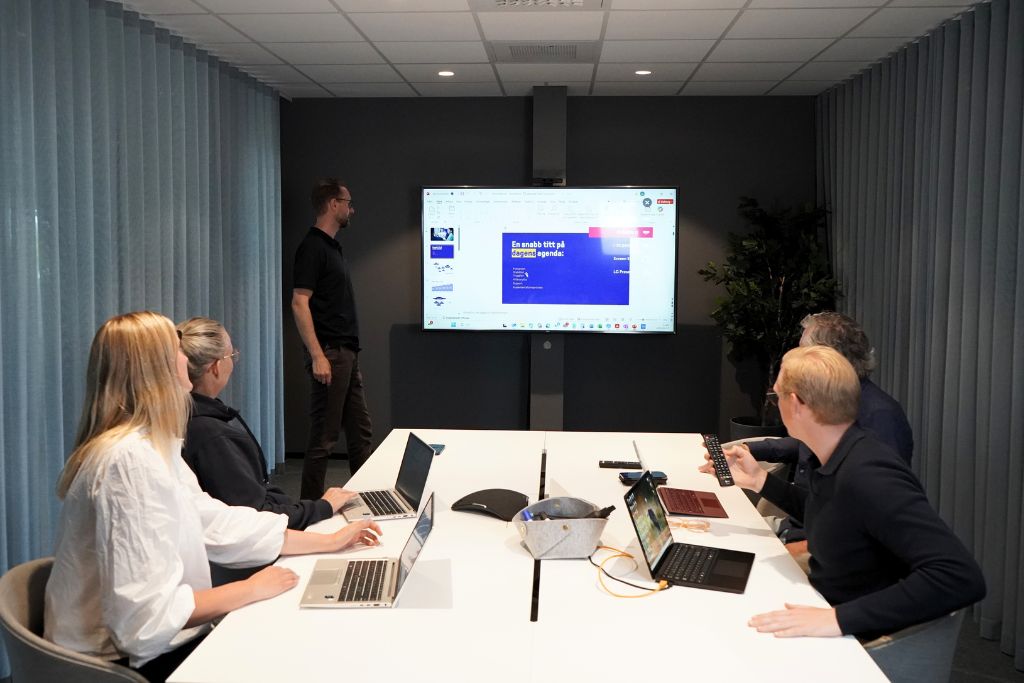
Upheads Management system
Our management system provides you with a structured and easily accessible solution for managing and developing your business, directly in Microsoft 365 and SharePoint.
Read more from the Inspiration Portal
-

IT Strategy – How to Set the Right Priorities
IT is an important part of how companies grow today. Despite this, IT and business operations are still planned...
-

The New SharePoint Experience
It's not just you. SharePoint has started to look a little different... But what do the changes mean...
-
You're using AI—but is it actually doing the work?
Many companies are already using AI to save time and support employees in their day-to-day work. The next step is ...